
On this page
We weigh live chat tools against the same seven published criteria: setup effort, the core customer service workflow, automation and AI, integrations, reporting and analytics, pricing and value, and vendor support and documentation. The ranking below follows that method.
At a glance
A quick side-by-side of every tool in the ranking. Each price comes from the vendor's own pricing page, checked October 29 and 30, 2026.
| # | Tool | Best for | Pricing |
|---|---|---|---|
| 1 |  Freshchat | Best free plan for growing teams | Free for up to 10 agents; paid from $19 per agent/month, billed annually |
| 2 |  HubSpot Service Hub | Best for CRM-native customer service | Free for 2 users; Starter from $20 per seat/month |
| 3 |  Help Scout | Best overall for small teams | Free for up to 5 users; paid from $25 per user/month, billed annually ($30 billed monthly) |
| 4 |  LiveChat | Best pure live chat | From $19 per user/month, billed annually |
| 5 |  Tawk.to | Best free live chat | Free; add-ons from $29/month |
| 6 |  Tidio | Best for small e-commerce | Free plan; paid from $24.17/month for 100 conversations, billed annually |
| 7 |  Crisp | Best all-in-one messaging | Free for 2 agents; paid from $45/month for 4 agents |
| 8 |  Olark | Best simple live chat | From $29 per agent/month; AI agent $400/month, billed annually |
| 9 |  Smartsupp | Best for small online stores | Free plan; paid from $17/month, billed annually |
| 10 |  Zoho SalesIQ | Best for chat with visitor insight | Free for 3 operators; paid from $7 per operator/month, billed annually |
The sponsor of this page
Featured Partner
Live chat, ticketing and knowledge base platform with optional AI add-ons.
Owned by Michael Kansky, who also owns this site.It sits apart from the ranking below and does not change the order of our picks.
The 10 best live chat tools
Ranked against the criteria below. Verdicts, pros and cons, and prices are researched from each vendor's documentation and pricing pages.
-
1. Freshchat
Best free plan for growing teamsTrade-off After the 500 free sessions the AI agent costs $49 per 100 sessions, and the Copilot assistant is a separate charge on Pro and above only.
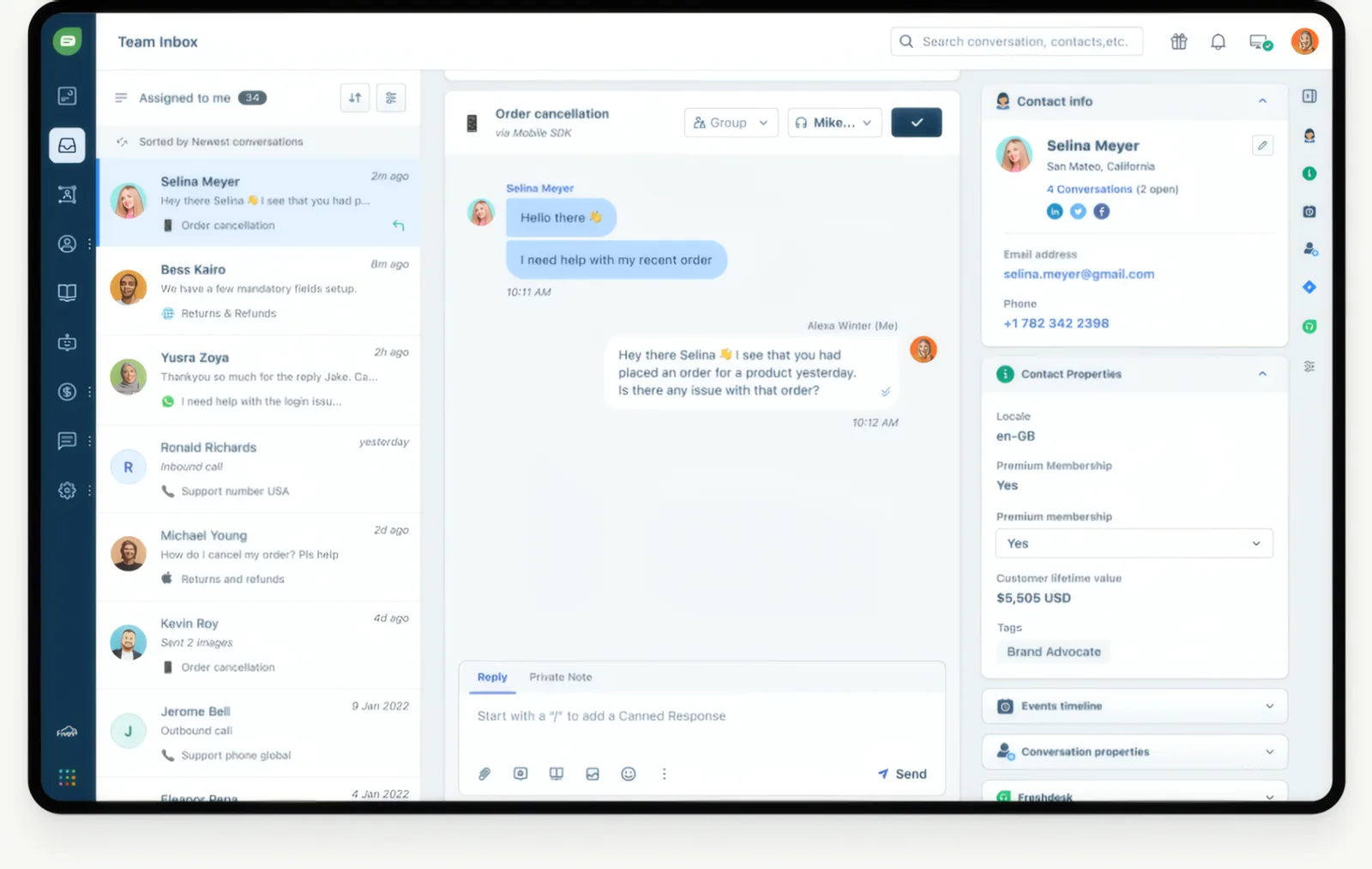
Messaging and live chat from Freshworks, with a free plan for up to 10 agents. Its free plan covers up to 10 agents with a web and app chat widget, shared inbox and email, and the Growth plan adds social messengers and text messaging, including WhatsApp and SMS, for $19 per agent. The Freddy AI agent comes with 500 free sessions. It suits growing teams that want messaging channels on a free or low-cost start, especially Freshdesk users.
Pros
- Free plan for up to 10 agents
- WhatsApp, SMS and social messengers from $19 per agent
- 500 free AI agent sessions to start
- Day passes for occasional agents from $2
Cons
- Free plan has no social or WhatsApp channels and no AI
- AI agent costs $49 per 100 sessions after the free 500
- Copilot costs $29 per agent and needs Pro or higher
- An expired trial is suspended rather than moved to the free plan
-
2. HubSpot Service Hub
Best for CRM-native customer serviceTrade-off Professional and Enterprise carry one-time onboarding fees of $1,500 and $3,500.
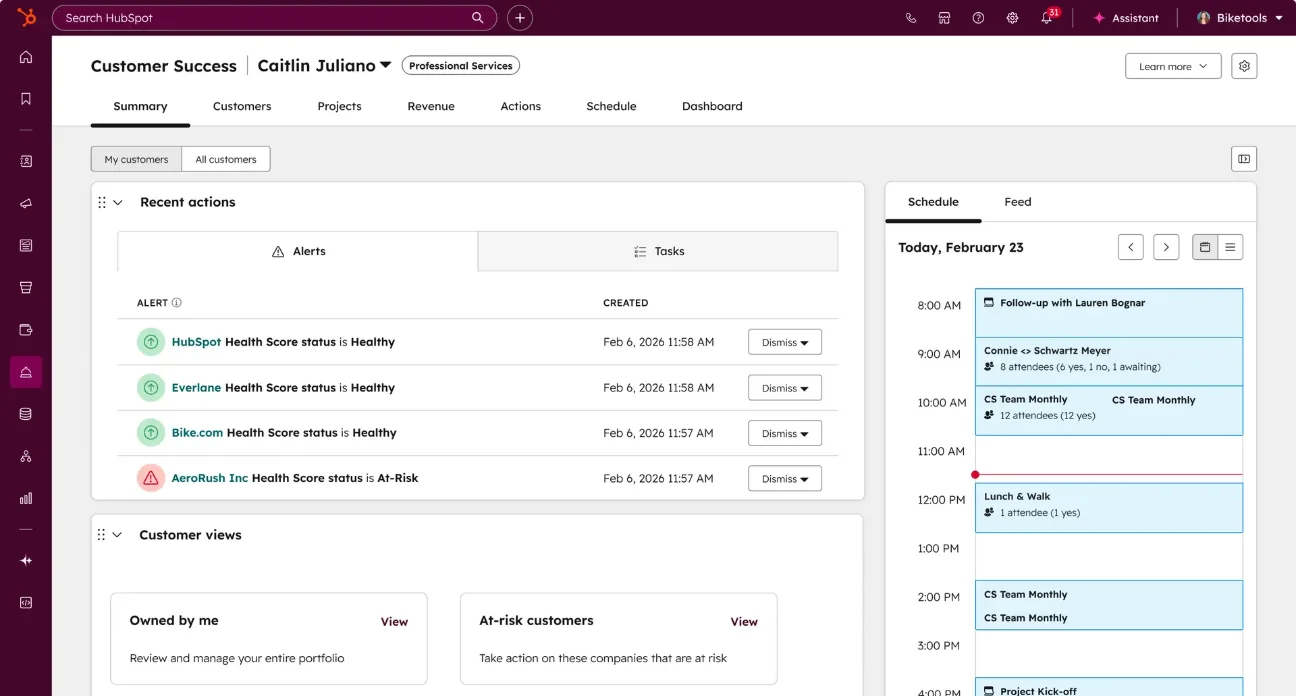
Service tools tied natively into HubSpot's CRM, knowledge base, and reporting. Its live chat sits on the same CRM record as your sales and marketing data, so agents see each visitor's history, and the free plan covers 2 users. It suits companies already on HubSpot CRM.
Pros
- Native CRM record shared with sales and marketing
- Free plan for 2 users and free view-only seats
- Over 2,000 integrations
- Monthly AI credits included on paid plans
Cons
- Professional and Enterprise require one-time onboarding fees of $1,500 and $3,500
- Starter is limited to 1 knowledge base and 5 playbooks
- AI agent use is metered in credits that expire each month
- Enterprise costs $150 per seat per month
-
3. Help Scout
Best overall for small teamsTrade-off User caps on Standard (25) and Plus (50) and a 10-user minimum on Pro mean fast-growing teams can outgrow a tier quickly.
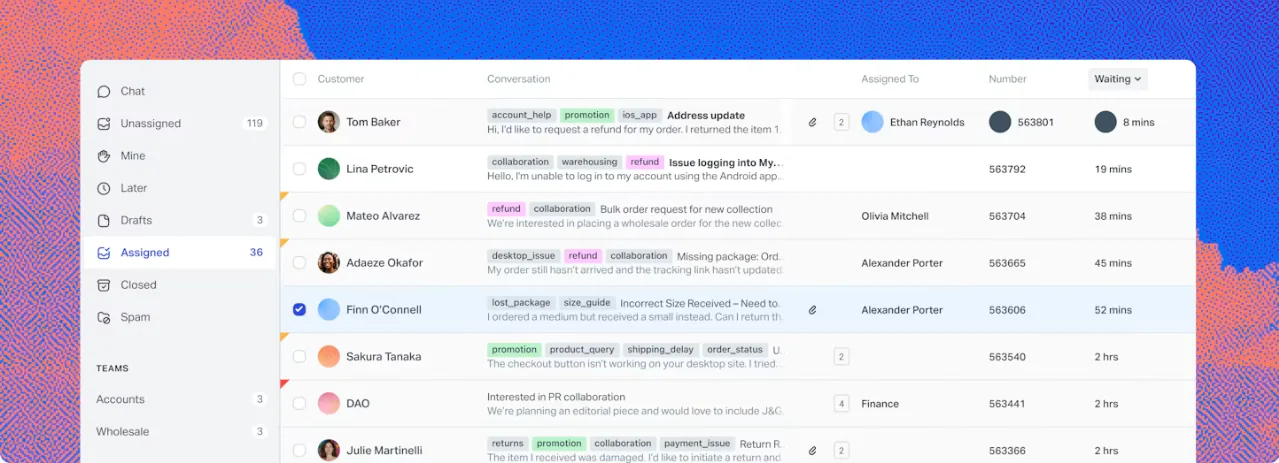
Shared inbox and help desk designed around a lightweight, human customer service experience. Its Standard plan puts live chat in the same inbox as email, SMS, WhatsApp and Messenger, and AI Answers can reply in chat from your help center. The free plan covers up to 5 users. It suits small teams that want chat as part of a broader help desk.
Pros
- Free plan for up to 5 users with no payment method
- Standard includes live chat, SMS, WhatsApp, Instagram and Messenger
- AI Answers costs $0.75 per resolution, with a monthly spending cap
- Knowledge base included on every plan
Cons
- Advanced workflows and round-robin routing need Plus
- Pro has a 10-user minimum, about $750 a month billed annually
- SSO and HIPAA need Pro or a paid add-on
- Extra inboxes cost $10 a month and extra Docs sites $20 a month, billed annually
-
4. LiveChat
Best pure live chatTrade-off AI use is tightly capped on the entry plan, with 10 AI resolutions a month, and the Essential plan keeps only 60 days of chat history.
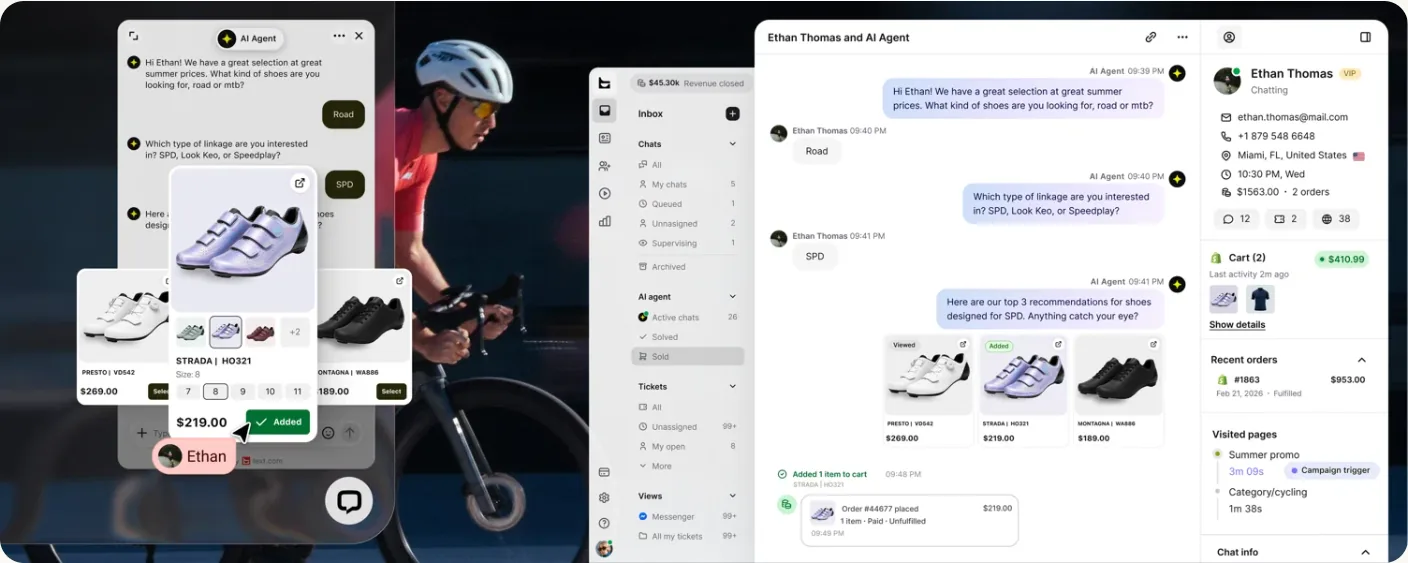
Dedicated live chat platform with a mature, fast agent workspace. New customers now sign up for its Text plans, which cover website, in-app, Messenger and SMS chat with an AI agent included. The workspace is built for agents who handle many chats at once, with 24/7 vendor support and over 200 integrations. It suits sales and customer service teams for whom chat is the main channel.
Pros
- Website, in-app, Messenger and SMS chat on every plan
- Over 200 integrations, including Shopify, WooCommerce and WordPress
- 24/7 vendor support
- 14-day trial with no credit card
Cons
- No free plan
- Essential keeps 60 days of history and includes 10 AI resolutions a month
- Extra AI resolutions cost $49.50 per 50
- SSO, audit logs and a white-label widget need Enterprise
-
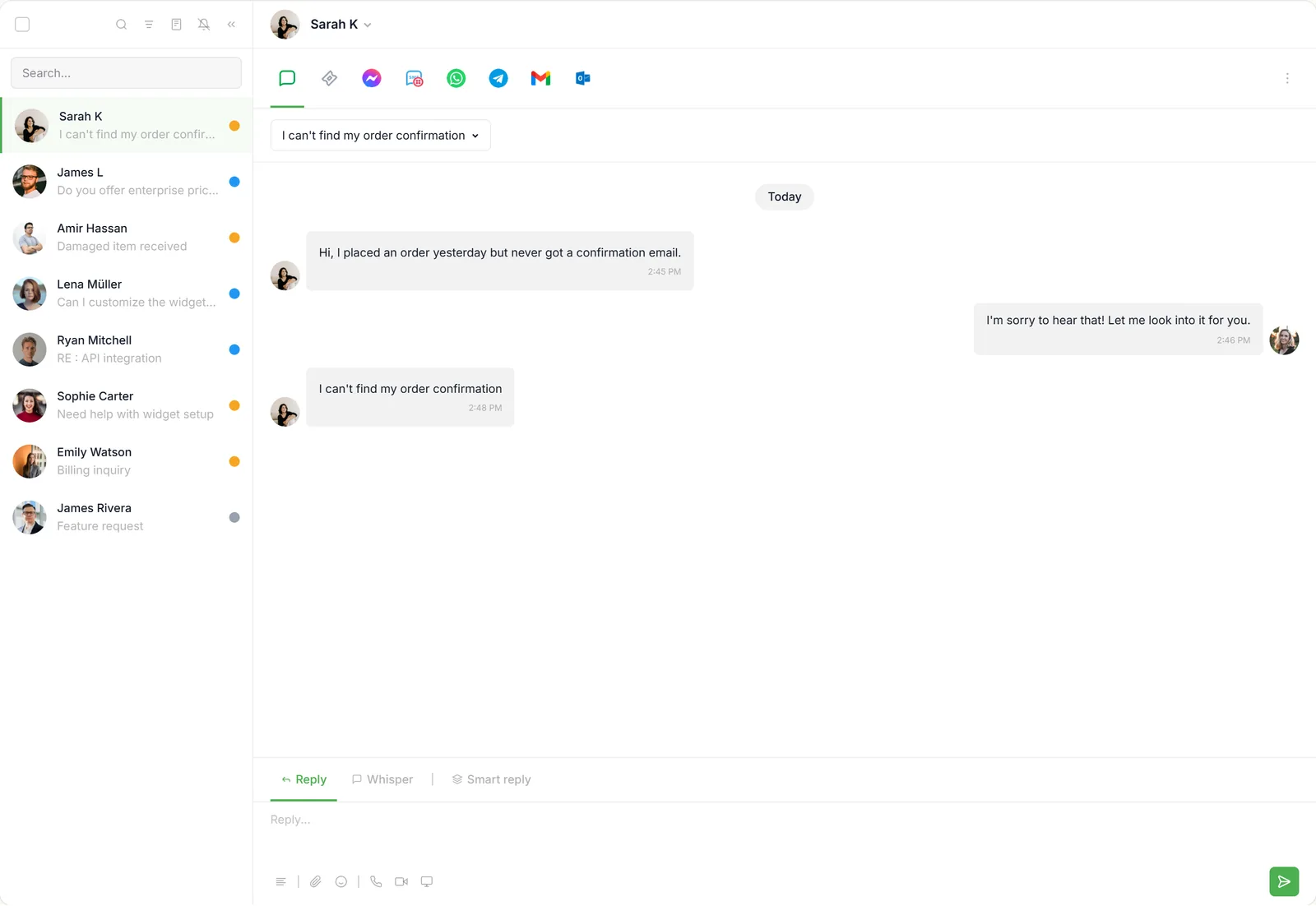
5. Tawk.to
Best free live chatTrade-off The free widget shows tawk.to branding, and removing it costs $29 a month for each website.
Free live chat, ticketing, and knowledge base, funded by optional paid add-ons. Its chat, ticketing, knowledge base and CRM are free with unlimited agents and chats, and it charges only for optional add-ons. Paid extras are priced per website, not per seat. It suits small businesses and nonprofits that need live chat at no cost.
Pros
- Free chat, ticketing, knowledge base and CRM with unlimited agents
- Branding removal is priced per website, not per seat
- AI Assist from $29 a month, with a free tier for low volume
- One agent login can cover several websites
Cons
- Removing branding costs $29 a month per website
- The free AI tier's limit is not published
- Voice agents (from $49 a month plus usage) and data enrichment (from $59) cost extra and are open by waitlist only
- Phone and SMS are labeled as a beta coming soon
-
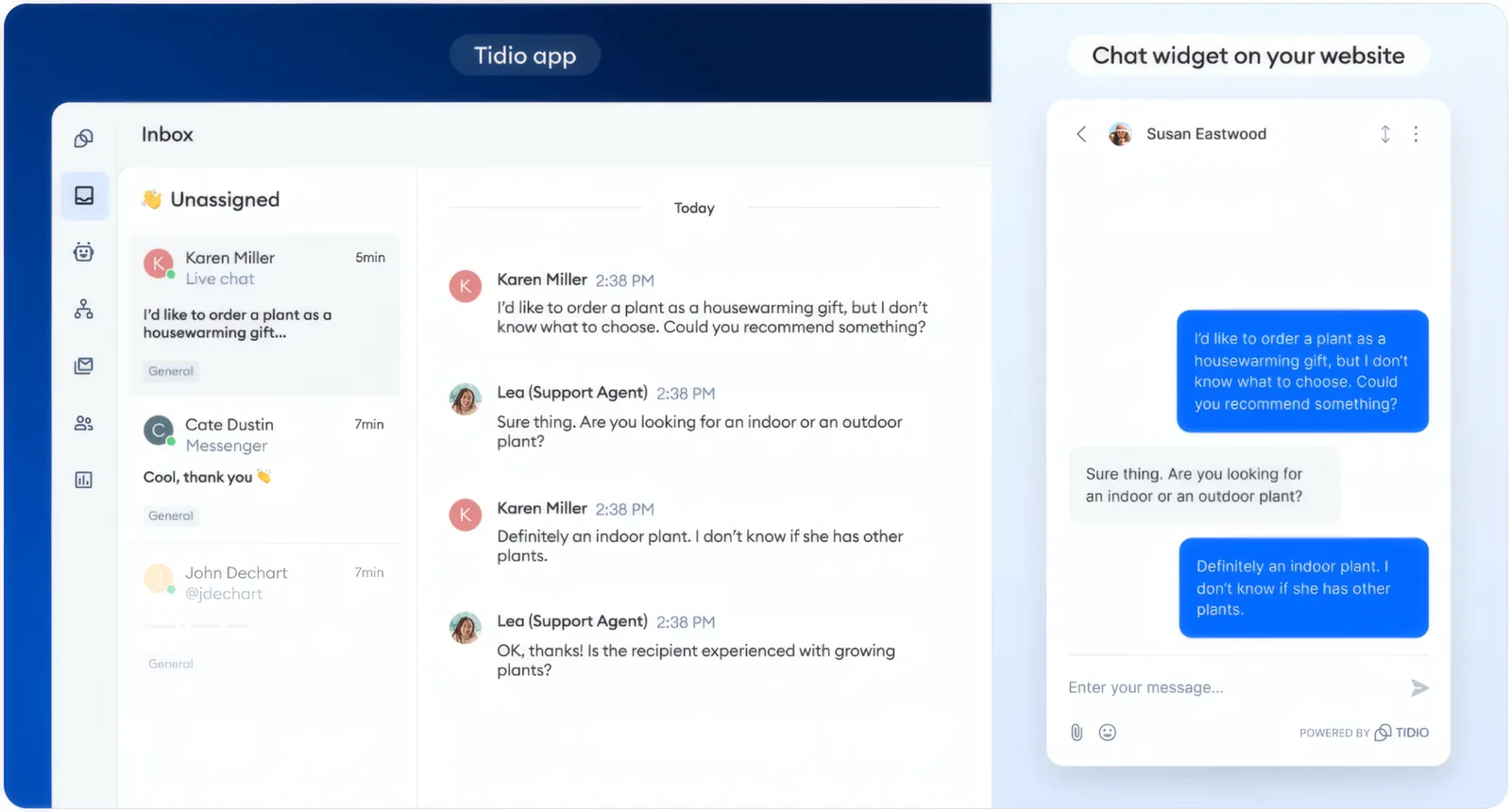
6. Tidio
Best for small e-commerceTrade-off Because chat, Lyro and Flows are each billed by usage, the monthly cost grows in several places at once as traffic rises.
Live chat and chatbots with the Lyro AI assistant, aimed at online stores. It combines live chat, the Lyro AI agent and automated Flows, and prices each by usage instead of per seat. The free plan covers 50 billable conversations a month, and Messenger, Instagram, WhatsApp and email work alongside website chat. It suits small online stores that want to start free and add AI as volume grows.
Pros
- Free plan with 50 billable conversations a month and up to 10 seats
- Messenger, Instagram, WhatsApp and email alongside website chat
- Lyro AI agent replies do not count toward chat limits
- 7-day trial of paid plans and add-ons
Cons
- Starter includes only 100 billable conversations a month
- Lyro AI is a separate add-on, from $32.50 a month for 50 conversations
- Removing Tidio branding is a $16.67 a month add-on on Growth, and not offered below it
- Self-serve plans are capped at 10 seats
-
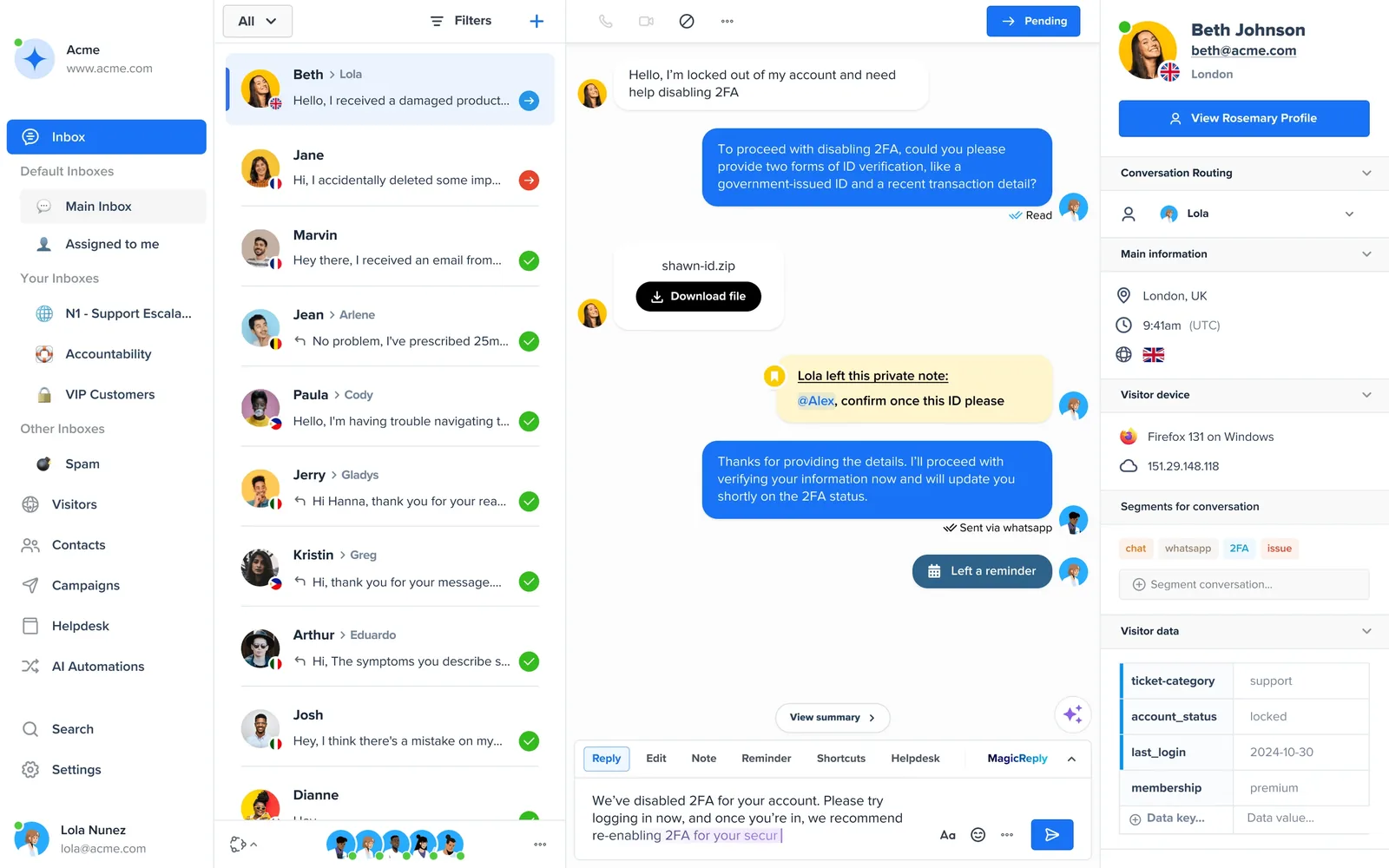
7. Crisp
Best all-in-one messagingTrade-off Removing the Crisp branding from the chat widget requires the Plus plan at $295 a month.
Multichannel messaging, shared inbox, and chatbots for growing teams. It charges a flat price per workspace that includes several agents, with unlimited conversations on every plan. Its shared inbox brings in WhatsApp, SMS, Messenger, Telegram and email, and paid plans include AI credits. It suits small teams that want one inbox for many channels at a fixed monthly price.
Pros
- Free plan for 2 agents with no time limit
- Flat workspace pricing with 4, 10 or 20 agents included
- Unlimited conversations on every plan
- 14-day trial of every feature, with no card
Cons
- White labelling needs Plus at $295 a month
- WhatsApp, SMS and the knowledge base start on Essentials
- The free plan has no AI credits and 100 customer profiles
- Yearly prices are not published
-
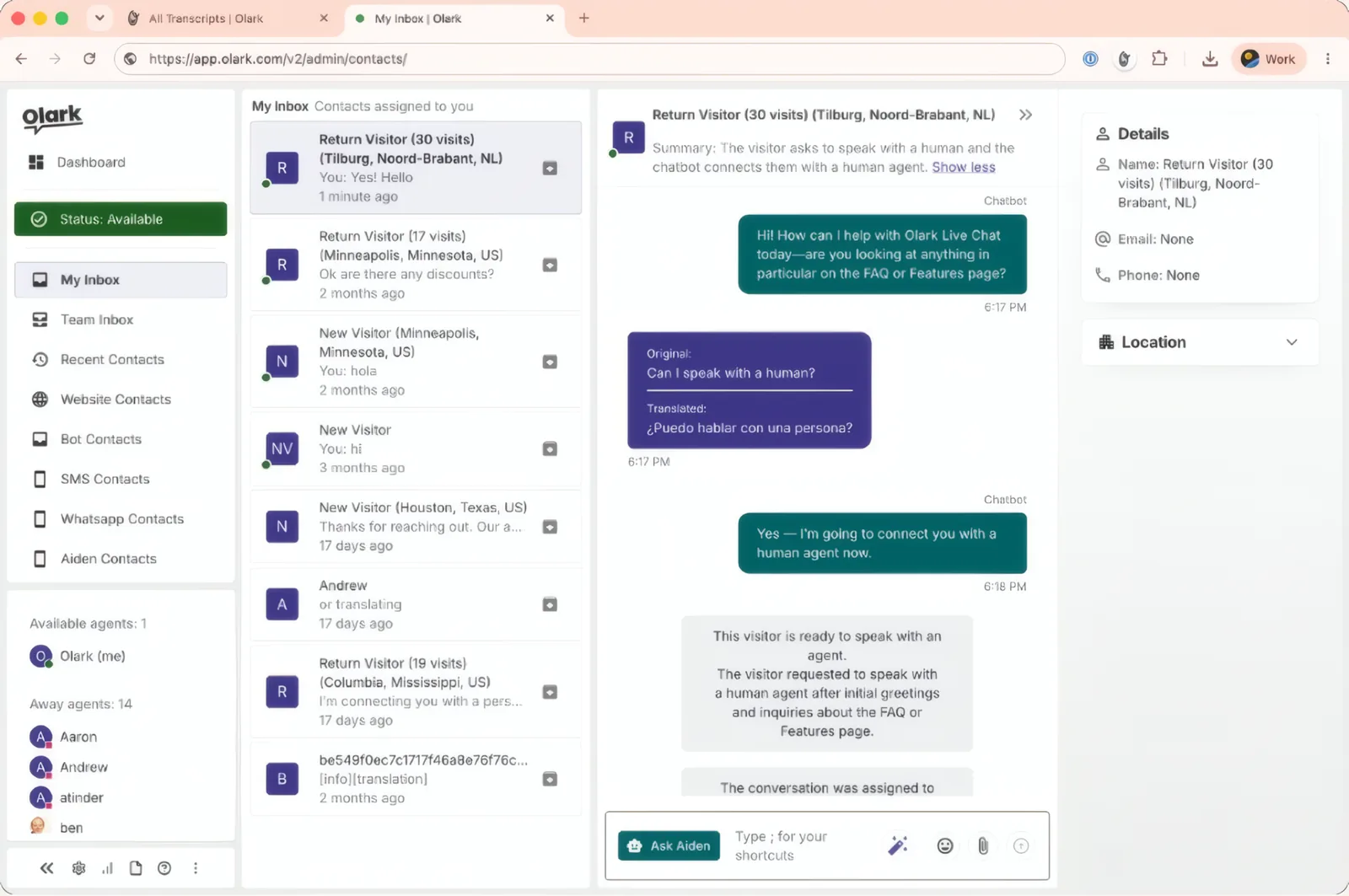
8. Olark
Best simple live chatTrade-off The AI agent costs a flat $400 a month billed annually, so small teams pay at least $4,800 a year to add AI.
Lightweight, highly customizable live chat for straightforward websites. It offers simple per-agent live chat, plus an AI website agent at a flat monthly price with no limit on conversations. The AI agent trains on your site, and its plan includes one human seat. It suits B2B and lead-generation websites that want predictable chat costs.
Pros
- Human live chat from $29 per agent per month
- AI agent with unlimited conversations and no overage fees
- Proactive chat triggers based on source, return visits and time on page
- HubSpot and Salesforce integrations, plus WordPress, Shopify and BigCommerce plugins
Cons
- No free plan
- The AI agent starts at $400 a month, billed annually only
- SSO, multiple teams and custom SLAs need a custom plan
- No add-on prices are published, for example to remove Olark branding
-
9. Smartsupp
Best for small online storesTrade-off The free plan allows 25 conversations a month, Mira AI is always an extra charge, and automation and API access start on the Plus plan.
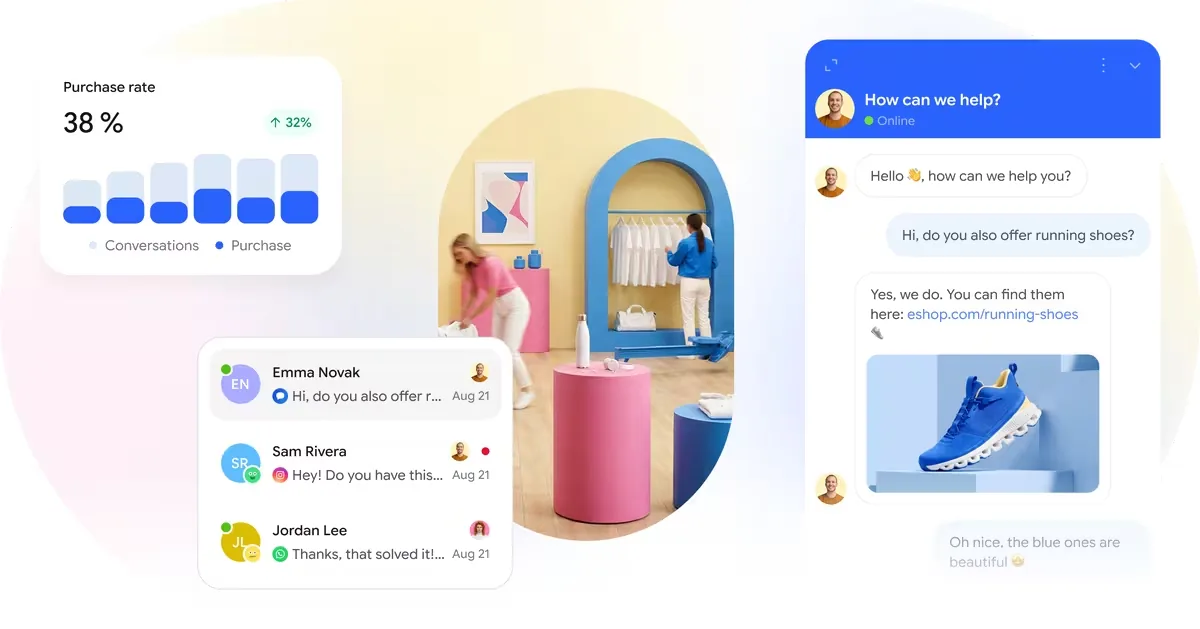
Live chat for online stores with WhatsApp, Messenger, and an AI shopping assistant. It charges per plan rather than per seat, includes WhatsApp and Messenger even on the free plan, and allows unlimited conversations on paid plans. Its Mira AI agent, an add-on from $16 a month, answers questions and recommends products from a store's catalog before handing over to a person. It suits small online stores.
Pros
- Flat plan pricing: Plus includes 3 operators for $25 a month, billed annually
- WhatsApp and Messenger included on the free plan
- Unlimited conversations on paid plans
- Mira AI agent from $16 a month, with product recommendations
Cons
- Free plan allows 25 conversations a month and 14 days of history
- Mira AI is always billed on top of the plan
- Automation workflows, API and webhooks start on Plus
- The free plan has 1 operator
-
10. Zoho SalesIQ
Best for chat with visitor insightTrade-off The generative-AI Answer Bot is only on Enterprise at $20 per operator, and the Basic plan caps operator chats at 1,000 a month.
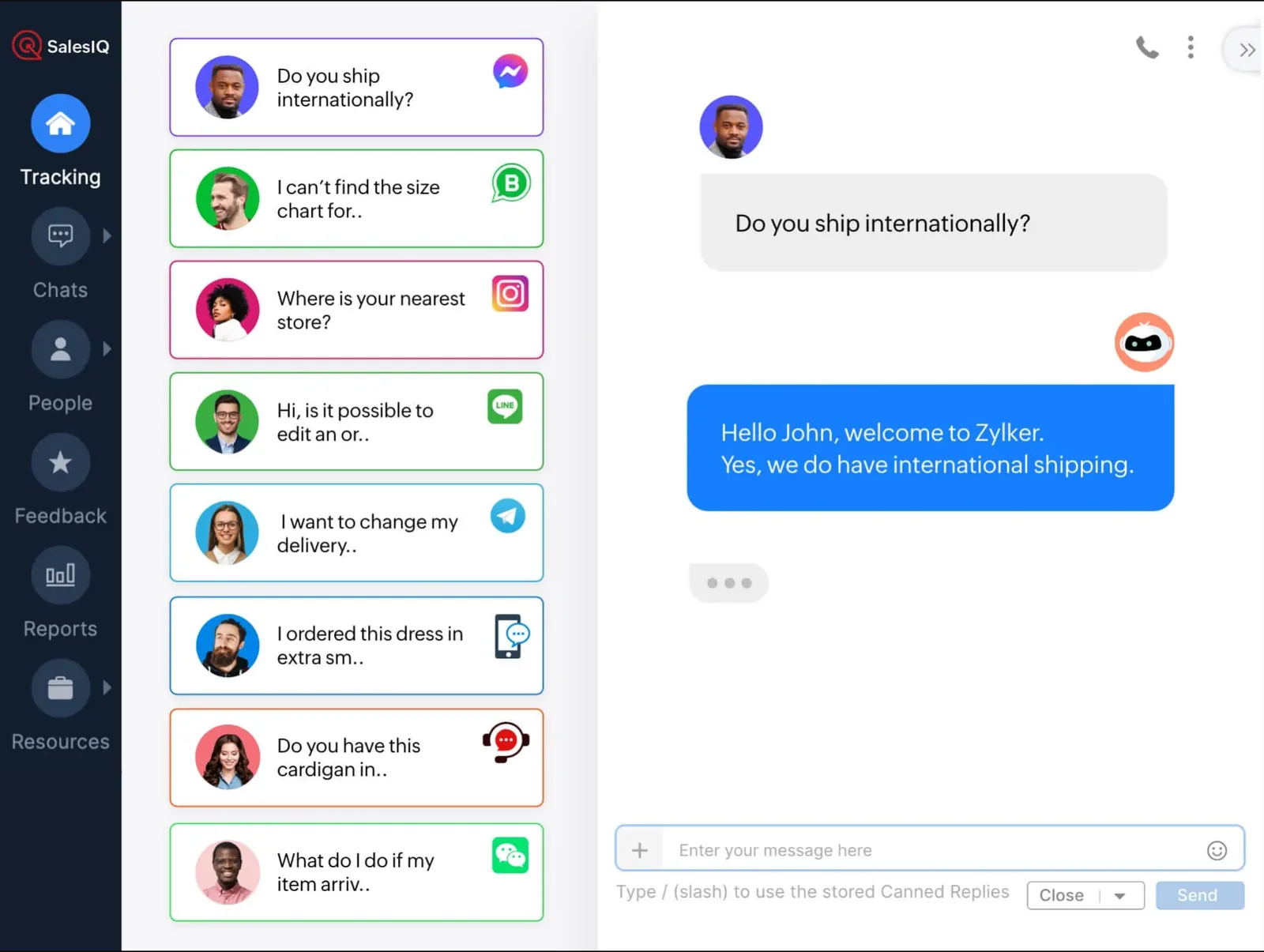
Live chat, visitor tracking, and chatbots with messaging channels and bring-your-own AI. It combines live chat, visitor tracking and chatbots, adds WhatsApp, Messenger, Instagram and Telegram from the Basic plan, and lets you connect your own OpenAI, Anthropic or Google AI. A free plan covers 3 operators. It suits sales and customer service teams that want visitor insight alongside chat, especially Zoho users.
Pros
- Free plan for 3 operators
- Paid plans from $7 per operator per month, billed annually
- WhatsApp, Messenger, Instagram and Telegram from Basic
- Bring your own OpenAI, Anthropic or Google AI model
Cons
- Generative-AI Answer Bot only on Enterprise
- Free plan allows 100 operator chats a month with 30-day history and no bots
- Basic caps operator chats at 1,000 a month
- Each extra brand costs $16 a month or more
Is your product missing or out of date? Request a listing.
How do we pick live chat tools?
Every tool is scored against the same seven criteria, each a set of checks answered from the vendor's own public pages. For live chat tools they weigh, out of 100:
- Core customer service workflow25Assignment rules, SLAs, saved replies, collision detection and a customer portal, and the cheapest plan that has each one.
- Automation and AI15Rules and workflows, an AI agent that answers from your own help content, a handoff to a person with the history, and AI that acts in your systems.
- Pricing and value15Public prices, a free plan, a published AI price, monthly billing, and the monthly bill for a team of five, worked out with our calculator.
- Integrations15The size of the vendor's own app directory, a documented API and webhooks, and native CRM, Slack and Zapier connections.
- Setup effort10Starting alone without a sales call, a trial with no card, a setup guide, and a way to move in from another tool.
- Reporting and analytics10Response and resolution time reports, satisfaction surveys, custom dashboards and data export.
- Vendor support and documentation10Live chat or phone support from the vendor on the cheapest plan, 24/7 coverage, a public status page and onboarding help.
Where the facts come from and how tools are weighed: our How we rank page.
How do I choose live chat tools?
The right pick comes down to your channels, how much you need to automate, your existing integrations, and a live trial. Work through these four checks before you commit:
- Map your channels Decide where customers reach you (email, live chat, social or in-app) and shortlist tools that cover them.
- Weigh automation Estimate how much volume an AI agent or macros could deflect before you pay per seat.
- Check the integrations Confirm the tool connects to your store, CRM, and billing without custom work.
- Trial with real tickets Run a week of live conversations before committing to an annual plan.
How much do live chat tools cost?
Live chat tools use four pricing models. LiveChat, Zoho SalesIQ, Freshchat and Olark charge per agent, from $7 per operator with Zoho SalesIQ (billed annually) to $29 with Olark. Crisp and Smartsupp charge a flat monthly fee per plan that includes a set number of agents: Crisp from $45 a month for 4 agents, Smartsupp from $17 a month for 1 operator ($25 for 3), billed annually. Tidio charges by the number of conversations your team answers, from about $24 a month for 100. Tawk.to is free, Freshchat is free for up to 10 agents, Help Scout for 5 users, Zoho SalesIQ for 3 operators, and Crisp and HubSpot for 2. AI chatbots are usually billed on top: LiveChat sells extra AI resolutions at $49.50 per 50, Freshchat's AI agent costs $49 per 100 sessions after 500 free ones, Tidio's Lyro starts at $32.50 a month and Smartsupp's Mira at $16 a month. Prices checked on each vendor's pricing page on October 29 and 30, 2026.
Where do I buy live chat tools?
Each tool is bought directly from its vendor on a monthly or annual subscription. From any pick above, open the vendor's pricing page for current plans, then start a trial or request a demo.
Frequently asked questions
How do we rank these tools?
Every tool is weighed against the same seven criteria: setup, the core customer service workflow, automation and AI, integrations, reporting, pricing and value, and vendor support. Vendors cannot pay for a better position, and a sponsored vendor is never placed first. The one sponsor on this page, in the Featured Partner spot, is LiveHelpNow, owned by Michael Kansky, who also owns this site. It sits apart from the ranking and has no number. Full details are on our How we make money page.
Is there a free live chat software option?
Yes. Tawk.to is free with unlimited agents and chats. Freshchat's free plan covers up to 10 agents, Help Scout's 5 users, Zoho SalesIQ's 3 operators, and Crisp's and HubSpot's 2. Tidio's free plan includes 50 billable conversations a month and Smartsupp's 25. Free plans usually show the vendor's branding and include little or no AI.
Can I try live chat software before paying?
Yes, and most trials need no credit card. LiveChat, Crisp and Smartsupp offer 14 days, as does Olark for human live chat. Zoho SalesIQ offers 15 days, and Help Scout 15 days on Standard and Plus. Tidio's 7-day trial falls back to its free plan. Freshchat's 14-day trial opens Enterprise, but an expired trial is suspended.
Which plans include an AI agent?
It varies. Every LiveChat plan includes AI resolutions: 10 a month on Essential and 200 on Growth. Freshchat's Freddy AI agent comes with Growth and above, not the free plan. Zoho SalesIQ's generative Answer Bot needs Enterprise. Crisp includes AI credits on paid plans only. Tidio's Lyro and Help Scout's AI Answers are add-ons.
Which live chat tools handle WhatsApp, Messenger and Instagram?
Tidio lists Messenger, Instagram, WhatsApp and email on every plan, including free. Smartsupp's free plan includes WhatsApp and Messenger, and Instagram DMs connect through its Instagram integration. Freshchat adds these channels on Growth at $19 per agent, Zoho SalesIQ on Basic, and Help Scout on Standard. LiveChat puts website chat, WhatsApp, Messenger, SMS and email in one inbox on every plan.
Can I remove the vendor's branding from the chat widget?
Usually for a fee or on a higher plan. Tawk.to charges $29 a month, billed per website. Tidio sells branding removal as a $16.67 monthly add-on on Growth and includes it on Plus. Crisp needs Plus at $295 a month. HubSpot's free chat shows HubSpot branding, removable from Starter, and LiveChat's white-label widget needs Enterprise.
Is it cheaper to pay annually?
Yes, for most vendors. LiveChat's Essential plan costs $19 per user a month billed annually or $25 billed monthly, and Zoho SalesIQ Basic $7 or $10 per operator. Help Scout's Standard plan costs $25 a user billed annually or $30 monthly, Freshchat says annual billing saves 20 percent, and Tidio advertises two months free. Crisp lets you switch to yearly billing inside the app.
Which live chat software is best for ecommerce stores?
Smartsupp and Tidio suit small online stores. Smartsupp's Mira AI agent, from $16 a month, answers questions and recommends products from a catalog of up to 30,000 items before handing over to a person. Tidio pairs chat with its Lyro AI agent and Flows automation. LiveChat also lists Shopify among its chat channels.
Which live chat tool is best for B2B lead generation?
Olark's AI website agent captures and qualifies leads, with unlimited conversations for $400 a month billed annually, including one human seat. Zoho SalesIQ tracks website visitors, from 10,000 a month on the free plan to 200,000 on Enterprise, so agents see who is browsing. HubSpot puts every chat on the same CRM record as sales and marketing.
What is the difference between live chat and a help desk?
Live chat answers website visitors in real time, while a help desk tracks requests as tickets across email and other channels. Many tools now do both. Tawk.to includes free ticketing and a knowledge base alongside chat, and Help Scout's Standard plan puts live chat in the same inbox as email, SMS and WhatsApp. Pick based on your main channel.
How long does it take to set up?
Setup means pasting a code snippet into your site or installing a plugin for a platform such as WordPress or Shopify, then inviting agents. Most of the remaining work is configuring routing, canned replies, office hours and training any AI agent on your help content. Olark says its AI agent trains on your site in about a minute.
References
Prices and plan limits come from each vendor's own pricing page and documentation, checked October 29 and 30, 2026.
Read next
 Live Chat Software
The price of removing 'Powered by' from a live chat widget
Removing a live chat widget's Powered by badge usually takes a plan upgrade. See how text, logo and white-label removal differ, and how to check the price.
 Live Chat Software
Live chat for a 3-person team: what published prices add up to
See which free live chat plans cover three operators, what the first paid tier costs per seat, and how AI is billed on top, from vendor pages checked in…
 Live Chat Software
How to register 10DLC before texting customers support replies
Customer-started threads and agent-typed replies still need 10DLC approval. Learn how to register your brand and support campaign before the first reply.